
What Is an ePOS System?
 Sam Griffin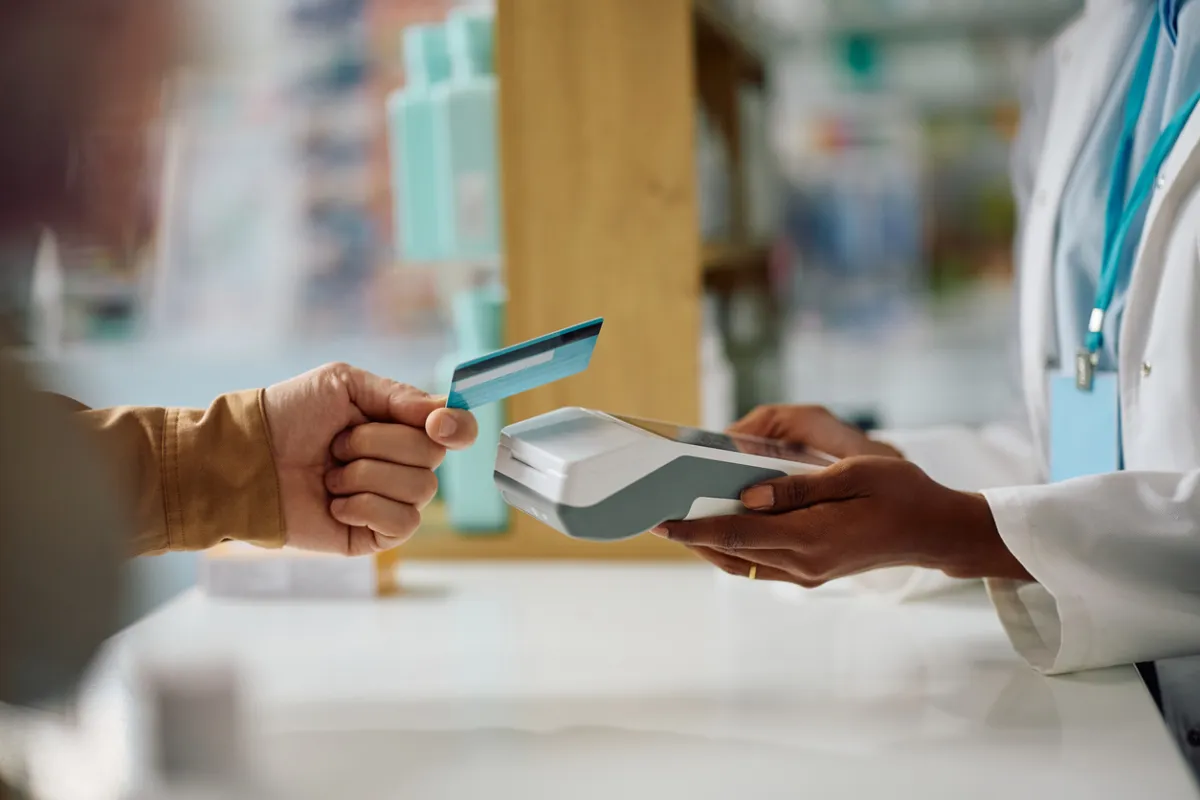
An ePOS system is the combination of hardware and software that a business uses to process sales transactions. The "e" stands for electronic, distinguishing modern systems from the mechanical tills they replaced. In practice, an ePOS system does considerably more than ring up a sale. It manages stock, records customer data, produces reports, and often integrates with accounting software, payroll, and online sales channels. For most businesses with physical premises, it is the operational hub the rest of the business runs around. If you are in the process of setting up, see our guide to everything else a new business needs to set up alongside it.
What ePOS Stands For and What It Does
ePOS stands for Electronic Point of Sale. It refers to the point at which a transaction takes place. It is the moment a customer pays and ownership of goods or services transfers. An ePOS system handles that transaction and everything that flows from it.
At its simplest, an ePOS processes a payment, records the sale, and adjusts the stock level for whatever was sold. At its most sophisticated, it tracks customer purchase history, manages reservations or bookings, integrates with delivery platforms, and generates granular reports on sales performance by product, time period, staff member, or location.
The key difference from an older electronic cash register is that a modern ePOS system is software-led. The intelligence is in the software, which can be updated, configured, and extended with new features over time. The hardware is largely interchangeable. That shift from hardware-defined to software-defined systems is what makes modern ePOS genuinely useful for businesses beyond the largest retailers.
The Hardware Components
An ePOS system typically consists of several hardware components, though not every business needs all of them.
The terminal or tablet is the main interface through which sales are entered and processed. Most modern systems run on a tablet (typically iPad or Android) or a dedicated touchscreen terminal. Tablet-based systems are generally cheaper and more portable; dedicated terminals are more robust for high-volume environments.
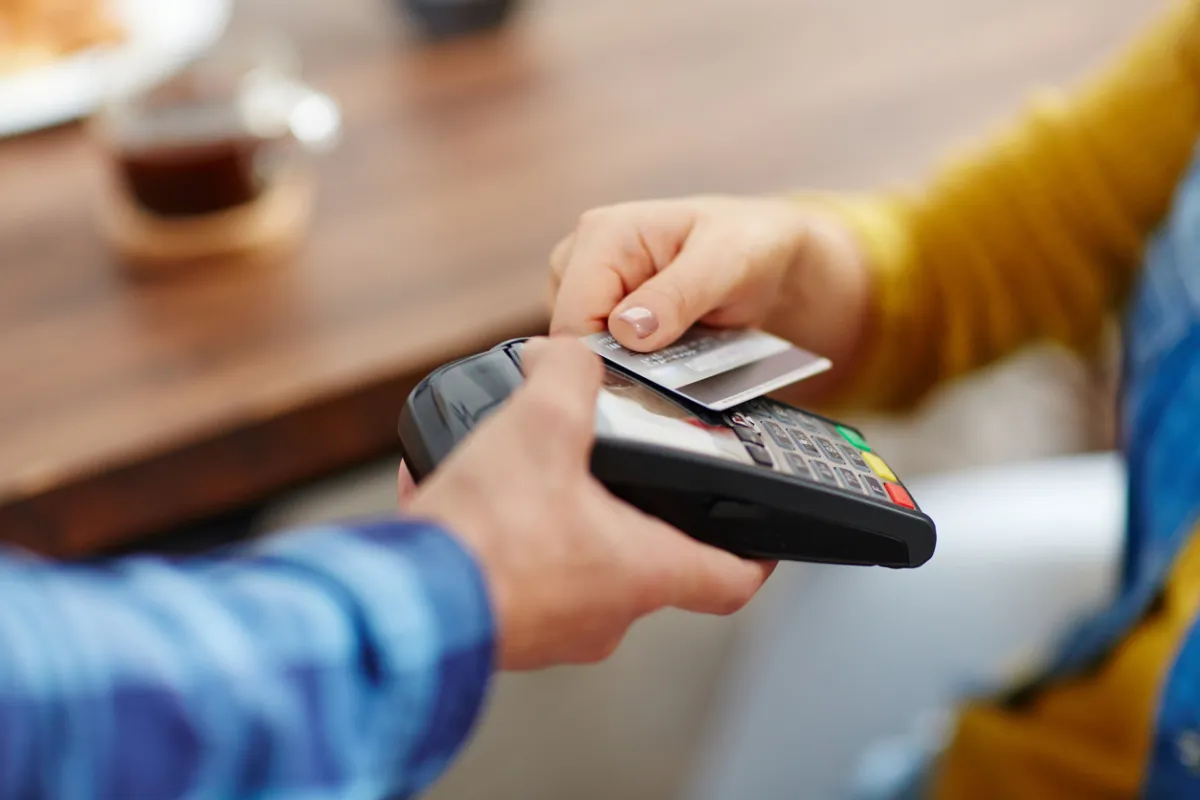
A card payment device is connected to the terminal and processes card and contactless payments. Some providers bundle their own payment processing with their ePOS software; others integrate with third-party payment processors.
A receipt printer produces paper receipts for customers. Increasingly optional as digital receipts become standard, but still required in many retail and hospitality settings where customers expect a paper receipt, or where it is needed for operational reasons such as kitchen orders.
A barcode scanner speeds up product lookup in retail environments by scanning item barcodes rather than requiring manual entry. Essential for any retail business with a significant product catalogue.
A cash drawer stores cash and opens automatically when a cash transaction is processed. Still necessary for businesses that accept cash, even as card payments dominate.
A customer-facing display shows the customer what is being rung up in real time. Common in retail settings where transparency at the point of sale builds trust.
What the Software Does
The software is where most of the value in a modern ePOS system sits. The core functions cover sales processing and stock management, but most systems extend well beyond those.
Sales processing handles the mechanics of a transaction. That means recording what was sold, at what price, applying discounts, calculating VAT, and accepting payment by card, cash, or other methods. This is the minimum any ePOS must do well.
Stock management tracks inventory in real time. Each sale automatically reduces the stock count for the items sold. Low stock alerts trigger when products need reordering. For businesses with complex product catalogues or multiple variants, good stock management is the most operationally important thing an ePOS does. For more on what retail businesses specifically need from an ePOS, see our guide.
Reporting and analytics give business owners visibility into what is actually happening. Which products sell best, at what times, on which days. Which staff members process the most transactions. Which promotions drove volume. Most modern ePOS systems produce these reports automatically and in real time, rather than requiring manual extraction and analysis.
Customer management records buyer information and purchase history. This powers loyalty programmes, personalised promotions, and the kind of insight into customer behaviour that used to require significant investment to access.
Integrations connect the ePOS with other tools the business uses. These include accounting software such as Xero or QuickBooks, payroll systems, e-commerce platforms, and booking or reservation tools. How well a system integrates with the rest of your business is often the deciding factor when choosing between otherwise similar options. For a look at how these features are applied in practice, see our guide to ePOS systems built specifically for restaurants and hospitality.
Cloud-Based vs On-Premise Systems
The most important structural choice in the ePOS market is between cloud-based and on-premise systems.
Cloud-based systems store data on remote servers and are accessed via an internet connection. The software is updated automatically by the provider, reports are accessible from anywhere, and multiple locations can be managed from a single dashboard. For most small and medium businesses, cloud-based is the right starting point. It involves lower upfront costs, easier setup, and no requirement to manage your own servers.
On-premise systems store data locally. They continue to function if the internet goes down, which is a genuine operational consideration for businesses in areas with unreliable connectivity. They typically require more upfront investment and ongoing IT support to maintain.
Many cloud-based systems now offer an offline mode that continues processing transactions locally when connectivity drops and syncs when the connection is restored, which addresses the main operational argument for on-premise systems for most businesses.
How ePOS Differs from a Traditional Till
The fundamental difference is that a traditional electronic cash register is a closed, fixed system. It processes transactions and prints receipts. It does not track stock, does not produce business intelligence, does not integrate with anything else, and cannot be updated or extended beyond its factory configuration.
A modern ePOS system is an open platform. It connects to the rest of your business infrastructure, updates over the internet, and can be extended with new features as your business grows. The data it generates is accessible in real time and can be analysed to inform business decisions. That is not an incremental improvement on the cash register. It is a different category of tool.
For a business taking more than a handful of transactions a day, the operational advantage of a modern ePOS over a traditional till is significant. The time saved on stock reconciliation, end-of-day reporting, and accountancy integration alone typically justifies the cost within the first year of use.
Frequently asked questions
Do I need an ePOS system for a small business?
It depends on the volume and complexity of your sales. A market trader with twenty products and fifty transactions a day probably does not need a full ePOS system. A café with a hundred SKUs, twenty tables, and a takeaway operation almost certainly does. The threshold is lower than most people assume. Any business managing stock across more than a handful of product lines will save time and reduce errors with a proper ePOS system compared to a traditional till or manual records.
What is the difference between a POS and an ePOS system?
POS stands for Point of Sale. All ePOS systems are POS systems, but the term POS is broader and can refer to any point at which a transaction takes place, including paper-based or manual processes. In practice, when people say ePOS they mean a modern electronic system with software-led functionality, cloud connectivity, and business management features. When people say POS they often mean the same thing. The terms are largely interchangeable in everyday use.
How much does an ePOS system cost?
The range is wide. Some providers offer free software tiers for low-volume businesses, with costs coming from transaction fees or hardware. Monthly software subscriptions for small businesses typically run from around £20 to £100 a month depending on features and number of users. Hardware costs depend on what you need. A basic tablet, stand, and card reader can be put together for a few hundred pounds. A full setup with dedicated terminal, receipt printer, scanner, and cash drawer typically costs £500 to £1,500 or more. For a full guide to cost, see our article on how much an ePOS system actually costs.
Can I use my existing tablet as an ePOS terminal?
Most cloud-based ePOS systems are designed to run on standard consumer tablets, particularly iPad. If you have a compatible tablet, you can often start with the software and add peripherals such as a card reader and receipt printer separately. The advantage is a lower entry cost. The disadvantage is that consumer tablets are not designed for heavy commercial use and may not hold up as well as a dedicated terminal in a high-volume environment.
This article is for informational purposes only and does not constitute financial advice. Always seek independent advice before making financial decisions.
Related articles

ePOS Systems for Restaurants and Hospitality
A hospitality ePOS system is not the same as a retail one. Running a restaurant, café, or bar demands specific features that a generic system does not provide. This guide covers what those features are and how to evaluate a system against your actual operational needs.
ePOS Systems for Retail
Retail ePOS systems are built around stock. Managing what you have, what you sell, and what you need to reorder is the core function that everything else is built on top of. This guide explains what retail businesses actually need from an ePOS and how to choose one that fits.

How Much Does an ePOS System Cost?
ePOS system costs range from free to several hundred pounds a month, depending on what you need. The software subscription is only part of the picture. Hardware, transaction fees, and setup costs all contribute to the real number. This guide breaks it down.