
ePOS Systems for Retail
 Sam Griffin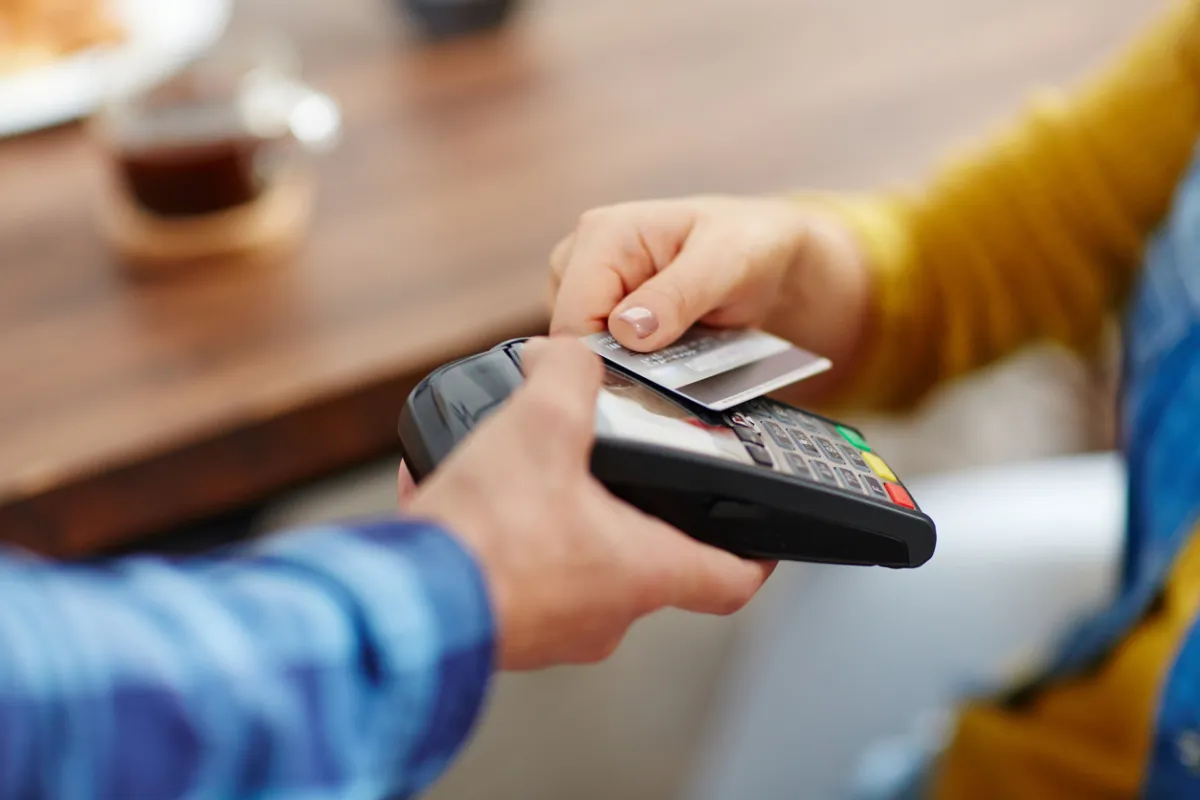
Retail ePOS systems are built around a different operational reality to hospitality ones. For the basics of what an ePOS system does before getting into retail-specific requirements, see our guide. For how hospitality ePOS needs differ from retail, see our separate guide. If you are opening a new shop, see also everything else a new retail business needs to set up. The central problem in retail is stock. Knowing what you have, tracking what you sell, reordering before you run out, and managing the relationship between what you buy wholesale and what you sell to customers are the core operational challenges an ePOS must address. Everything else in a retail ePOS, the customer data, the reporting, the e-commerce integration, sits on top of that inventory foundation. If the stock management is weak, the rest of the system does not compensate for it.
Why Stock Management Is the Foundation
In retail, the cost of a bad ePOS system shows up in stockouts and overstock. A stockout means lost sales and disappointed customers. Overstock means tied-up cash and, in perishable categories, waste. A retail ePOS should be reducing both problems, not adding to the manual work required to avoid them.
At the basic level, this means real-time stock adjustment with every sale. When a product is scanned and sold, the stock count drops by one automatically. At a more sophisticated level, it means low stock alerts set at the right threshold for your reorder lead times, purchase order management integrated with your suppliers, and the ability to run stocktakes without closing the business.
Variant management is important for retailers who sell products in multiple sizes, colours, or configurations. A clothing retailer selling a t-shirt in five colours and four sizes has twenty SKUs to manage for a single product. A system that cannot handle variants cleanly will either require manual workarounds or produce inaccurate stock counts.
Barcode Scanning and Product Management
For most retail businesses with more than a handful of products, barcode scanning is not optional. Manual product entry at the till is slow and error-prone at volume. A scanner that reads a product barcode and auto-populates the sale takes a fraction of the time and eliminates transcription errors.
Product setup in a retail ePOS should be straightforward. You need to be able to add products with a barcode, name, category, cost price, and sell price, and have those products appear accurately in stock reports and sales analytics. Bulk import via CSV or supplier data feed is valuable if you stock a large catalogue, since manually entering hundreds of products is a significant setup cost.
Supplier management connects your product catalogue to the businesses you buy from. A system that lets you record the supplier, cost price, and preferred reorder quantity for each product, and generate purchase orders directly, saves meaningful time for any retailer buying from multiple suppliers regularly. It also creates a clean record of cost prices, which is essential for accurate margin calculation.
Multi-Location and Staff Management
Retailers who operate more than one site need an ePOS that handles multi-location stock across a single system. Central reporting that aggregates sales and stock across all sites, with the ability to drill down by location, is the minimum requirement. Stock transfers between locations, where you move product from one site to another, should be handled within the system rather than tracked separately.
Staff permissions and time management are more important in retail than many operators realise when they are setting up. The ability to set different access levels for different staff roles, so that a sales associate can process a sale but not a refund, and a manager can access reporting but not change product prices, is a basic control that prevents both honest mistakes and deliberate fraud.
Clock-in and clock-out functionality, integrated with the ePOS, gives accurate shift records without requiring a separate system. Some retail ePOS providers include this as standard; others offer it as an add-on or expect you to integrate with a separate workforce management tool.
Customer Management and Loyalty
Repeat customers are the most valuable customers in retail. A system that records who buys what, how often, and at what value gives you the data to do something useful about it.
Loyalty programmes built into an ePOS are more effective than paper stamp cards because they capture the customer data associated with every purchase. You know not just that a customer has visited ten times, but what they bought each time. That data powers personalised promotions, stock decisions based on actual customer preferences, and the kind of targeted marketing that turns occasional buyers into regulars.
Customer-facing marketing integrations, connecting the ePOS customer database to an email marketing tool, allow you to act on that data without manual export and import. The best retail ePOS systems make this connection straightforward rather than requiring technical work to set up.
E-Commerce and Multi-Channel Integration
Many retailers sell through both a physical shop and an online channel. The operational challenge is keeping stock counts accurate across both. When a product sells online, the stock count in the physical shop needs to reduce in real time. When a shop sale happens, the online store needs to update. Without integration, you are managing two separate stock systems and the errors compound quickly.
Most established retail ePOS systems integrate with major e-commerce platforms such as Shopify, WooCommerce, and Wix. The quality of that integration varies considerably. A genuine two-way sync that handles both sales channels in real time is substantively different from a one-way nightly update. Check specifically how the sync works, how often it runs, and what happens when a product goes out of stock online before the ePOS updates.
What to Look for When Choosing a Retail ePOS
Beyond the core functionality above, a few practical considerations shape the decision for most retail businesses.
Ease of setup. Adding an extensive product catalogue at launch is the most time-consuming part of any ePOS implementation. Systems that allow bulk import from a spreadsheet or direct connection to distributor product databases save significant setup time.
Reporting depth. The reports that matter most in retail are margin by product and category, stock turnover rate, top and bottom sellers by revenue and by margin, and sales trends by time period. A system that produces these clearly and without manual calculation is operationally more valuable than one with impressive-sounding features that are hard to access in practice.
Payment flexibility. Accept all the payment types your customers use. That means card, contactless, Apple Pay and Google Pay, and cash where relevant. Some ePOS providers bundle their own payment processing; others integrate with your existing payment processor. The rates and terms of the payment processing element are a meaningful part of the total cost calculation.
ReliabilitReliability and support. A retail ePOS failure during peak trading hours is an operational emergency. Before committing to a system, check the provider’s uptime record, what happens to offline processing capability if the internet drops, and what support is available if something goes wrong during trading hours. For a guide to what a retail ePOS system costsonce you have narrowed down the features you need, see our dedicated guide.
Frequently asked questions
How many products can a retail ePOS handle?
Most cloud-based retail ePOS systems have no hard limit on product catalogue size, though some pricing tiers cap the number of products or SKUs. For retailers with large catalogues, confirming the product limit at each pricing tier before committing is worth doing. Performance at high catalogue volumes, specifically how fast the system responds when searching or filtering a large product list, is worth testing during any free trial period.
Do I need to upgrade my ePOS if I start selling online?
Not necessarily, but you do need to check whether your existing system integrates with the e-commerce platform you want to use. Most modern cloud-based retail ePOS systems have e-commerce integrations available, but the quality and cost of those integrations vary. If your current system does not integrate with your chosen online channel, or if the integration is limited and requires workarounds, it may be worth switching to a system that handles both channels natively.
Can I use a retail ePOS system for a market stall or pop-up?
Yes. Tablet-based retail ePOS systems are well suited to mobile retail. You need a tablet, a card reader, and ideally a mobile data connection for reliable performance. Some providers offer specific plans for low-volume or occasional trading that avoid monthly fees in favour of per-transaction charges, which can be more cost-effective for businesses that trade intermittently rather than continuously.
What is the best way to migrate stock data from my existing system?
Most retail ePOS providers support CSV import for products, customer records, and in some cases historical transactions. The quality of the import tools varies considerably. Before migrating, export your current data, clean it up to match the new system's required format, and run a test import with a small sample before committing the full catalogue. Building in time for the migration as part of your implementation plan, rather than assuming it will be instant, avoids the most common setup problems.
This article is for informational purposes only and does not constitute financial advice. Always seek independent advice before making financial decisions.
Related articles

ePOS Systems for Restaurants and Hospitality
A hospitality ePOS system is not the same as a retail one. Running a restaurant, café, or bar demands specific features that a generic system does not provide. This guide covers what those features are and how to evaluate a system against your actual operational needs.
What Is an ePOS System?
An ePOS system is the combination of hardware and software that a business uses to process sales, manage stock, and track performance. This guide explains what an ePOS system actually is, how it works, and what small businesses should know before choosing one.

How Much Does an ePOS System Cost?
ePOS system costs range from free to several hundred pounds a month, depending on what you need. The software subscription is only part of the picture. Hardware, transaction fees, and setup costs all contribute to the real number. This guide breaks it down.